Built Personal Knowledge Base with LLM Wiki
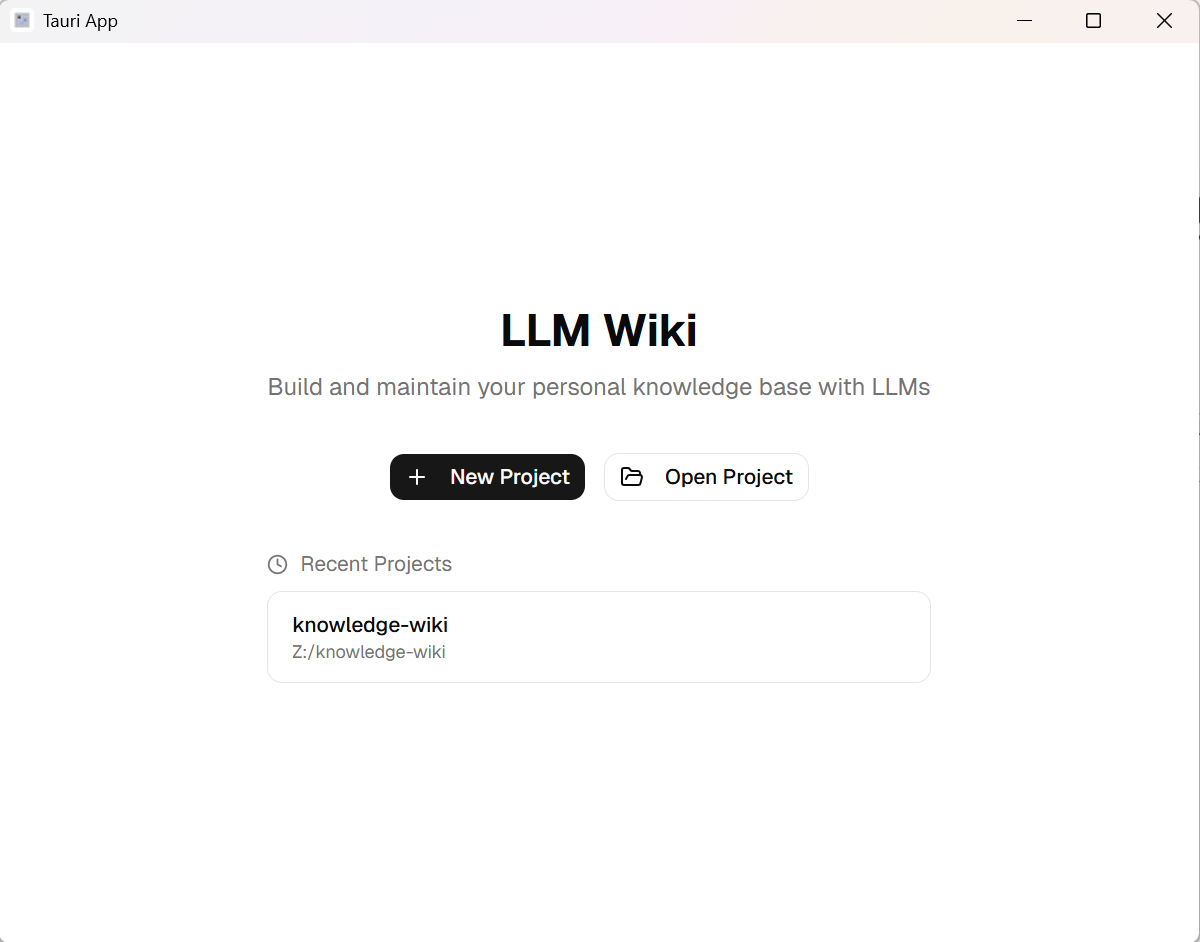
I recently came across the LLM Wiki concept proposed by Andrej Karpathy, and it immediately clicked for me — use an AI to automatically maintain a local Markdown-based wiki, like your own private Wikipedia. Whenever you drop in articles, PDFs, or notes, the LLM synthesizes and interlinks them, letting your knowledge compound over time.
This post documents the steps I took to set it up, both as a personal reference and hopefully as a helpful guide for anyone interested in doing the same.
The Core Concept
The idea behind LLM Wiki is elegantly simple:
raw/folder — drop in your raw materials (PDFs, articles, notes, etc.)wiki/folder — LLM-generated and maintained Markdown pagesschema.md— a config file that defines the AI's working rules (earlier versions called itCLAUDE.md)
RAG vs LLM Wiki: The key difference from RAG: LLM Wiki compiles knowledge at ingest time, not at query time. The wiki is a persistent, compounding artifact where cross-references are pre-built and contradictions are pre-flagged.
Tool of Choice
I went with nashsu/llm_wiki (v0.6.3) — a free, open-source cross-platform desktop app built with Tauri v2 + React + TypeScript. It supports PDF, web pages, YouTube transcripts, and more, and also exposes an MCP Server for AI agent integration (Claude Code, Codex, etc.).
Setup Steps
Step 1: Install nashsu/llm_wiki
Download and install the desktop app for your platform (Windows / macOS / Linux).
Step 2: Create a New Project
Open the app and create a new project. v0.6.3 auto-generates the full directory structure:
my-wiki/
├── raw/
│   ├── assets/
│   └── sources/
├── wiki/
│   ├── concepts/
│   ├── entities/
│   ├── comparisons/
│   ├── queries/
│   ├── sources/
│   └── synthesis/
├── index.md
├── log.md
├── overview.md
├── purpose.md
└── schema.md
Step 3: Configure schema.md
schema.md is the AI's rulebook — it tells the LLM how to classify knowledge, how to build links, and how to handle contradictions. Customize it to your needs:
- Define your knowledge classification standards
- Set the cross-link format (
[[double-bracket links]]) - Specify language preferences
Step 4: Connect an LLM API
Head to Settings and connect your preferred LLM. Supported options include:
- DeepSeek (great value, my recommendation)
- OpenRouter (flexible, switch between models)
- Claude, OpenAI, and others
Conclusion
LLM Wiki solves a problem I've had for years: reading a lot, but retaining little. Now, every time I finish an article, I drop it into raw/, let the LLM integrate it, and gradually build a knowledge network that's truly mine.
If you have a growing pile of reading material you want to organize, I can't recommend this enough — give it a try!
Comments ()